E-invoicing: taken care of
Connected to B2Brouter, an approved platform. Receiving mandatory since 1 September 2026, issuing by 1 September 2027 at the latest.
From the Essential plan
AI quotes for tradespeople, freelancers and small businesses
Write what’s needed, the AI prepares, you approve. No jargon, nothing to learn.
The time you get back goes to your customers or your family.
Write as you would to a colleague, the AI prepares, you approve with one tap. Nothing goes out without your say-so.
From the morning briefing to the evening wrap-up, on computer and phone. The voice-over and captions are in French.
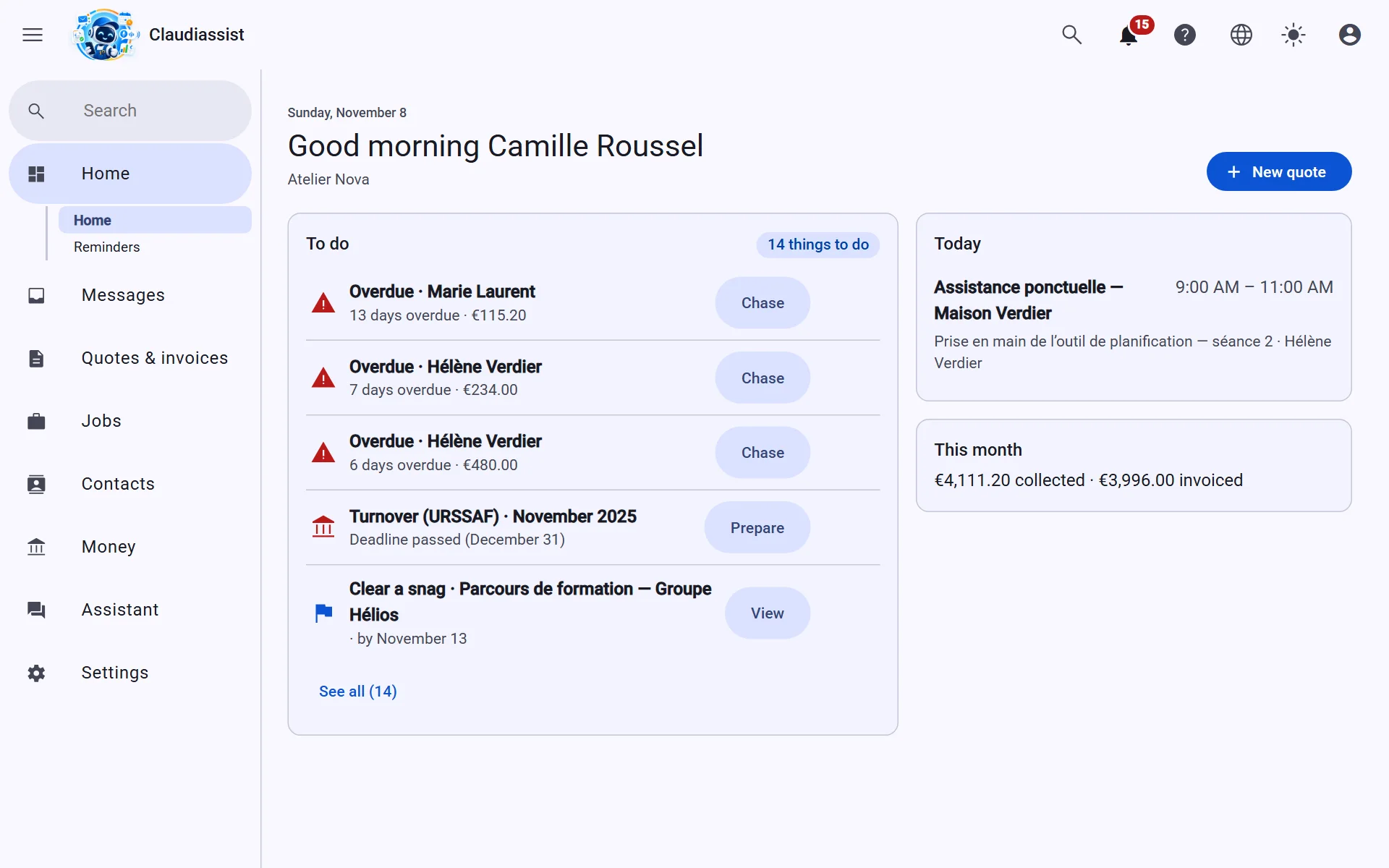
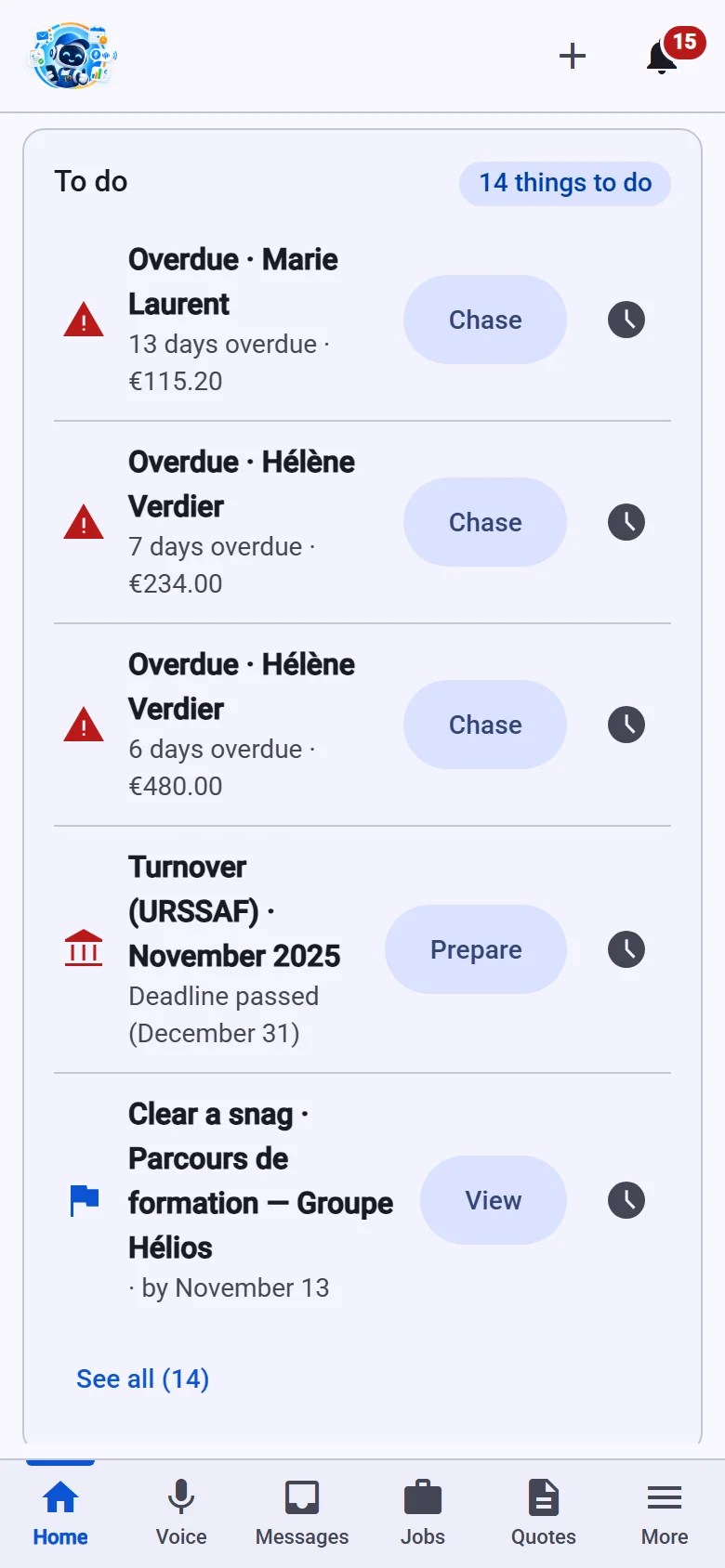
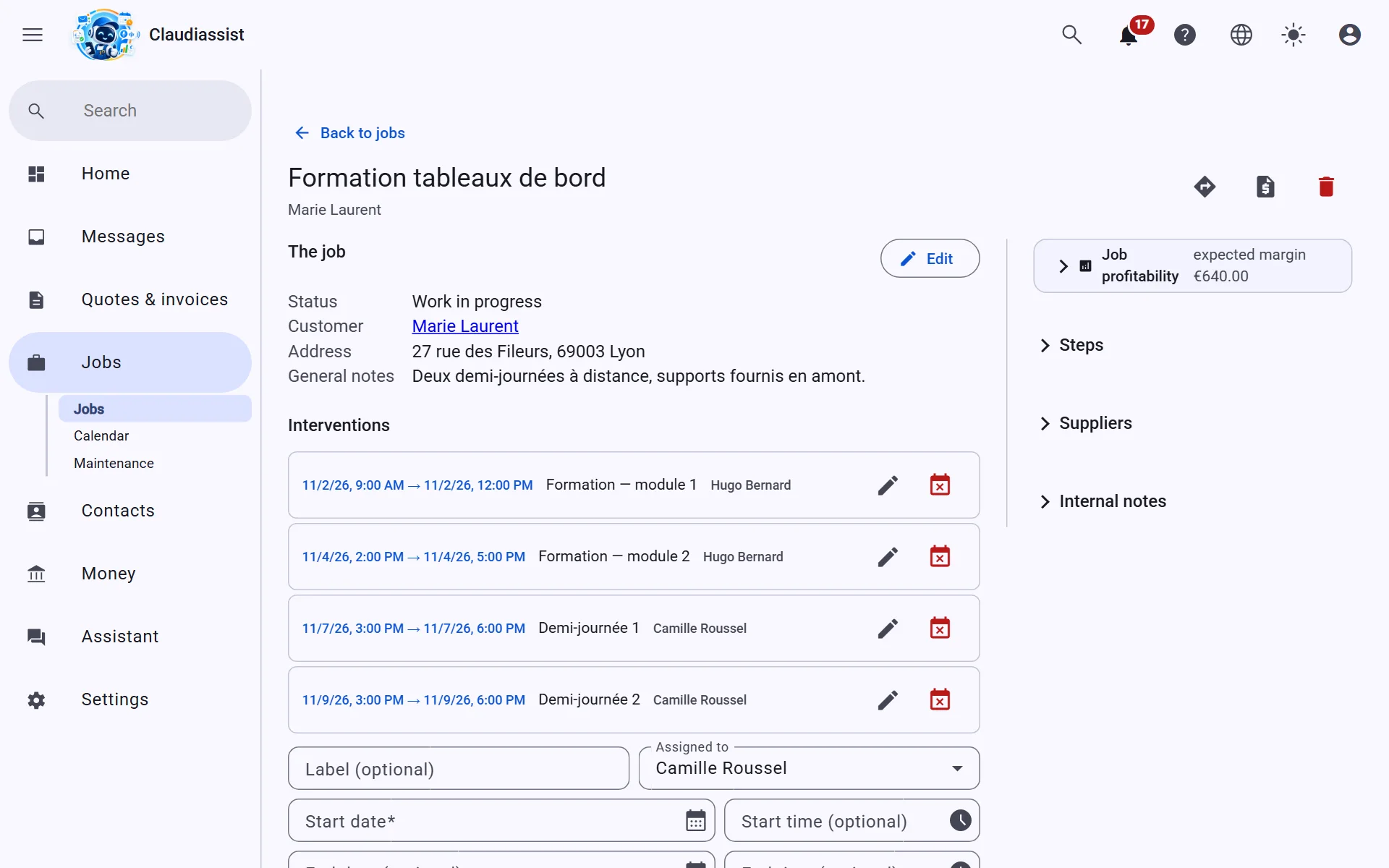
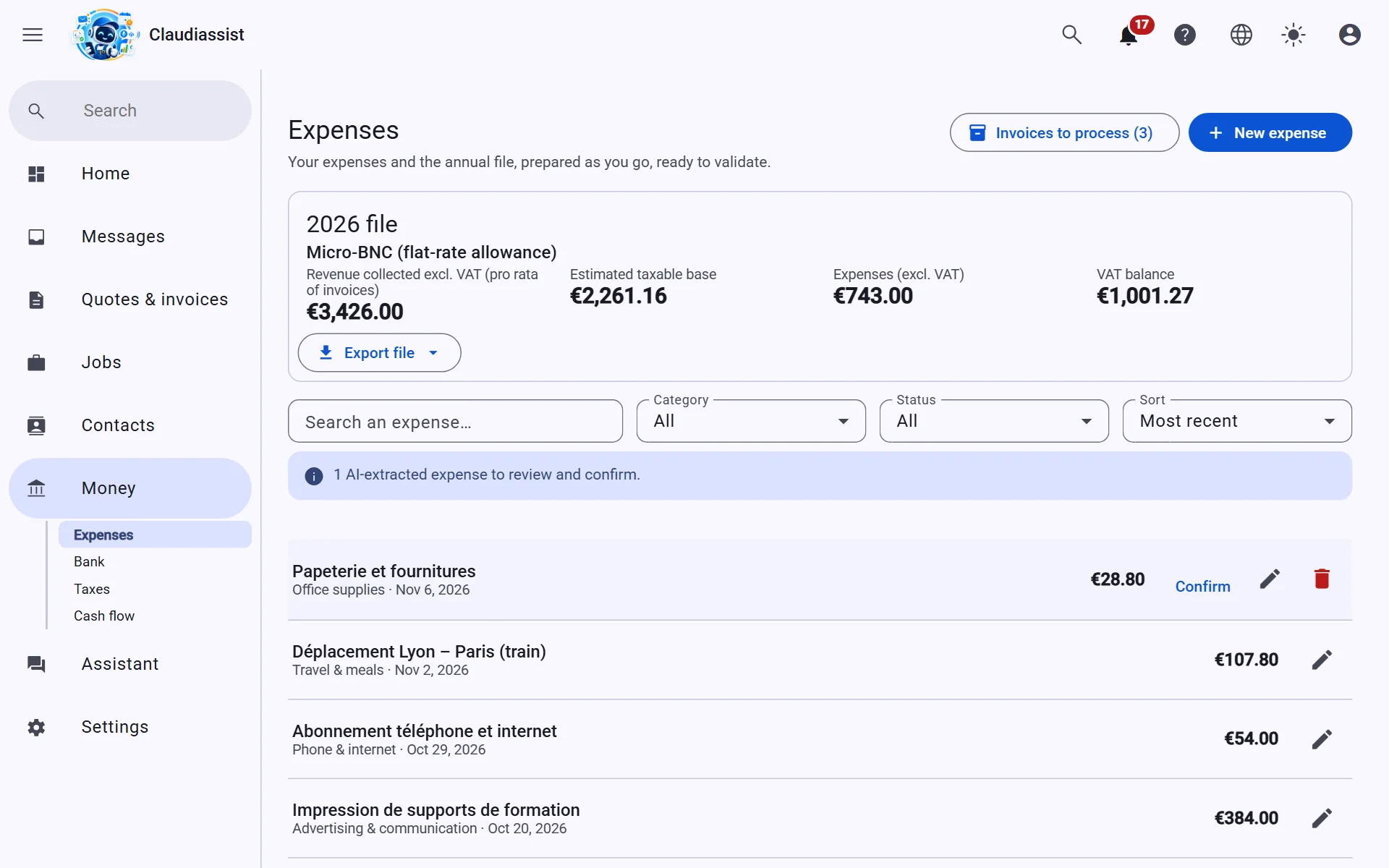
No mock-ups: these are the screens you will find when you open your workspace.
Messages
Quotes
Jobs
Accounting
No office staff? Claudiassist takes the admin on, whatever your line of work.
Between meetings, hands full: you speak, it prepares, you confirm.
You say
“Tell Ms Laurent I’ll send her the quote tomorrow.”
The assistant
The draft reply is ready, in the right conversation thread.
You say
“Draft a quote for Durand: two days of consulting plus travel.”
The assistant
A structured draft quote, at the prices you say or your catalogue prices; anything else, you price yourself.
You say
“Do the final invoice for the Garnier file and send it.”
The assistant
It reads back the recipient and the total incl. VAT; the invoice goes out when you confirm.
You say
“Move my 3 pm appointment to Thursday morning.”
The assistant
You confirm the time; if your Google or Microsoft calendar is connected, it follows.
You say
“Log a 38-euro fuel expense.”
The assistant
You say “yes”: the expense is saved as a draft in this year's books.
You say
“What’s on today?”
The assistant
Your appointments, the quotes awaiting an answer and the invoices to collect.
You say
“Where do I stand?”
The assistant
The messages to handle, the quotes awaiting an answer and what is still to collect, at a glance.
You say
“Add three hours to the Garnier job.”
The assistant
You say “yes”: the time spent is added to the job sheet.
You say
“The VAT on the diesel expense is 14 euros.”
The assistant
It works out the amount excluding tax and reads the expense back to you before changing it.
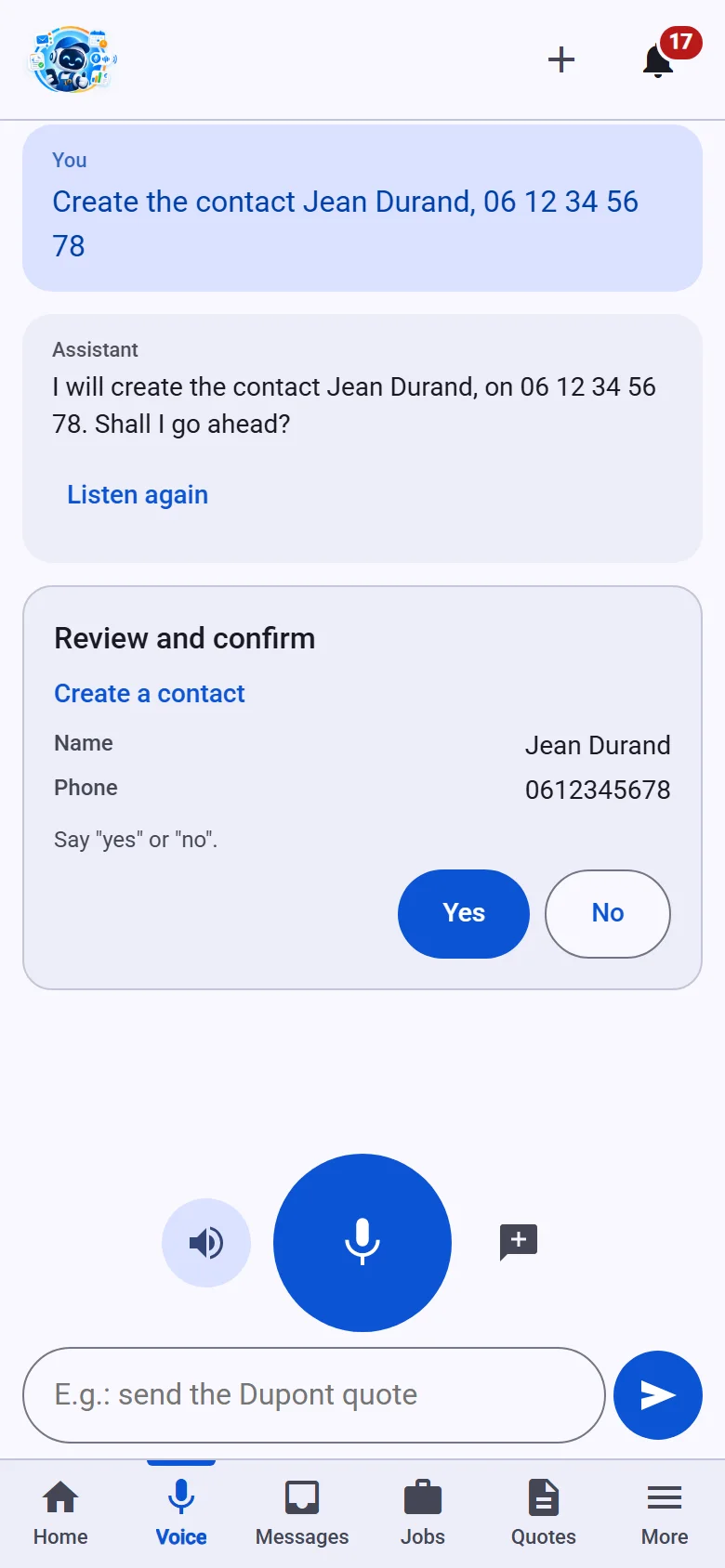
No signal? What you enter in the mobile app is kept and sent when the connection comes back; voice, on the other hand, needs a connection. Included in the free trial and in the Solo, Pro and Team plans. See pricing
Seven pillars to run your business without office staff — and one requirement: your data stays yours.
Connected to B2Brouter, an approved platform. Receiving mandatory since 1 September 2026, issuing by 1 September 2027 at the latest.
From the Essential plan
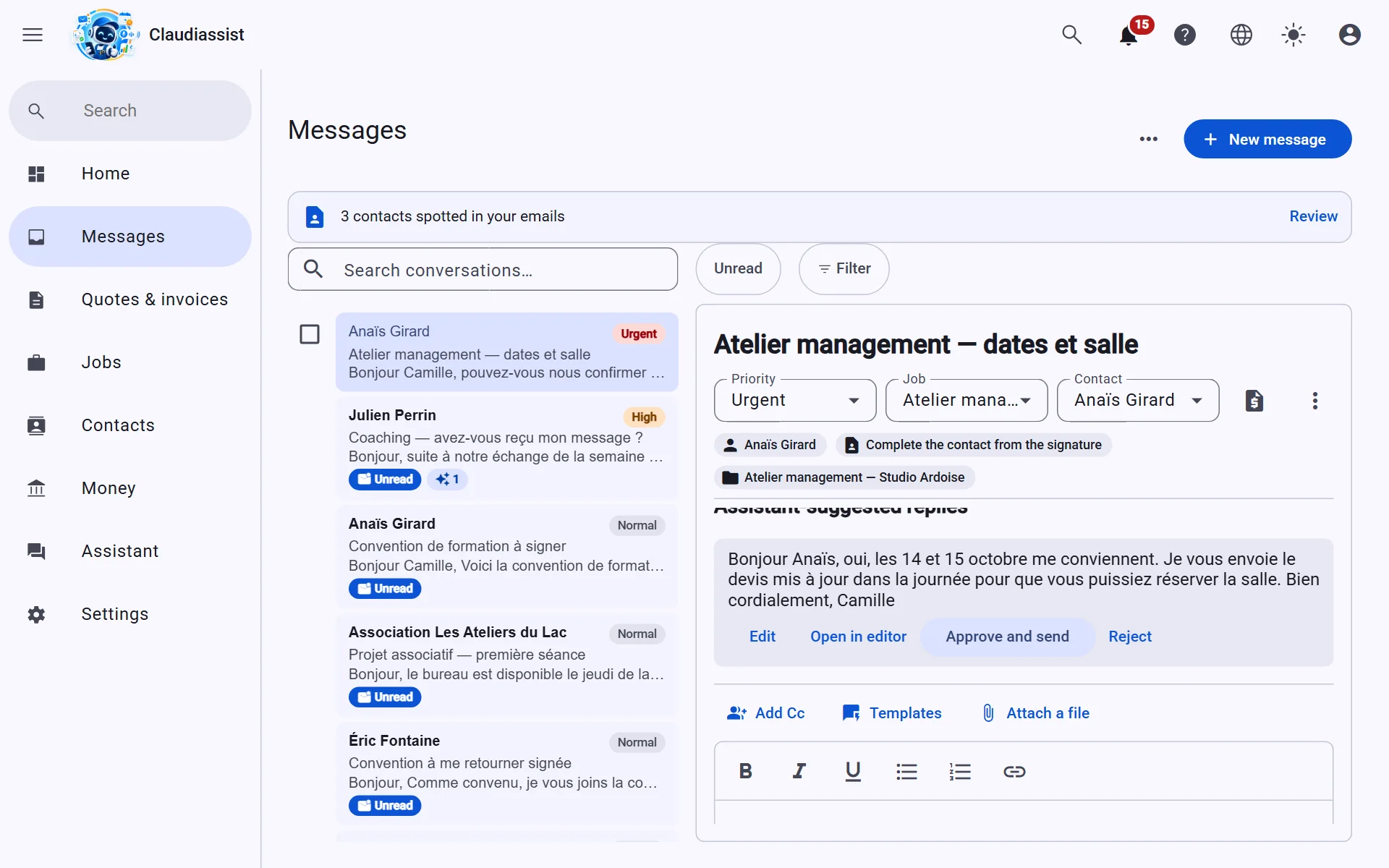
Urgent rises to the top, personal is set aside, draft replies are waiting for you.
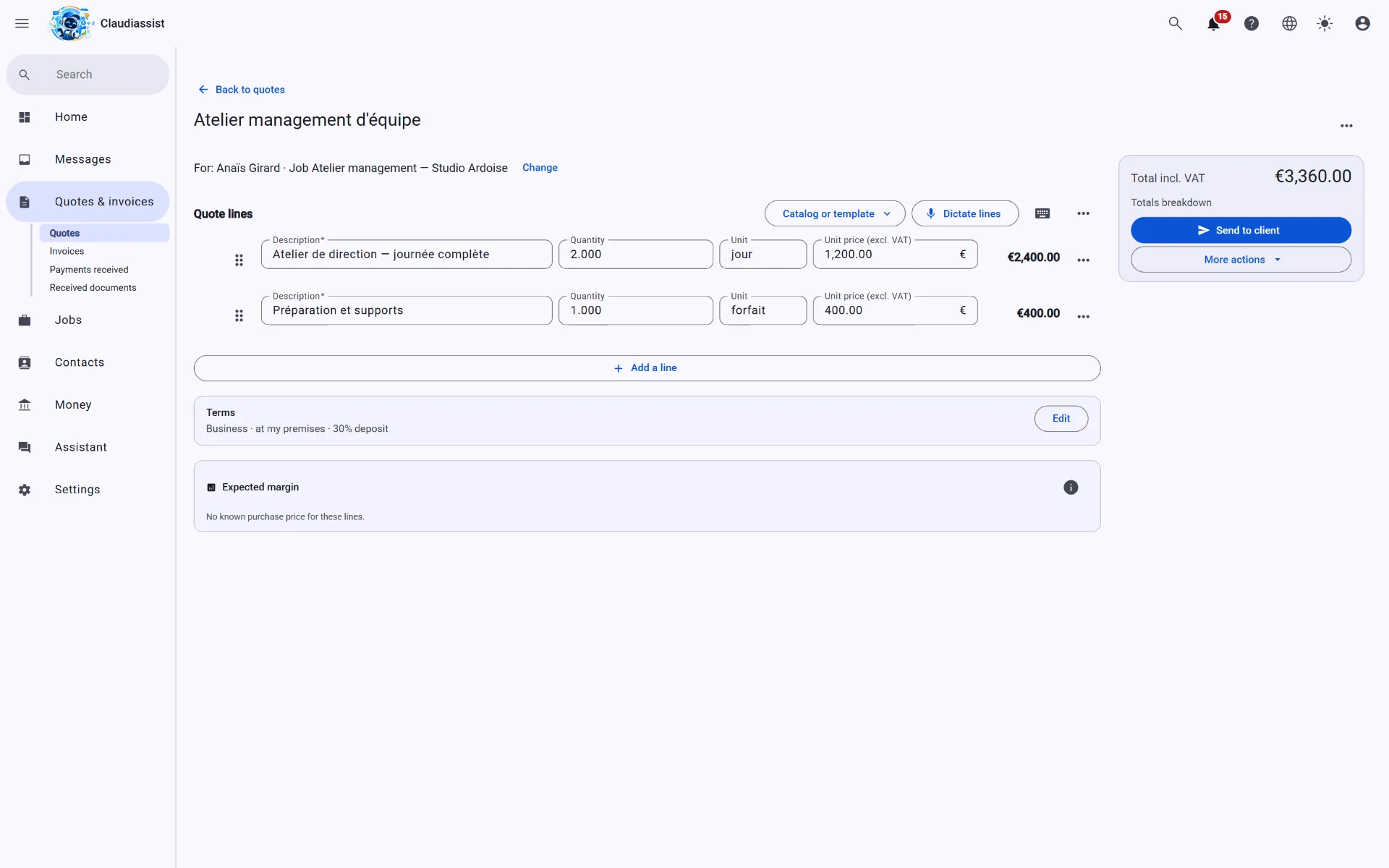
Legal information checked, one-click online acceptance, reminders you switch on.
Reminders from the Essential plan
Messages, quotes, invoices and appointments linked, from first contact to after-sales follow-up.
Payments and expenses build up as you go. At year end, the file waits for your accountant.
Yearly file from the Essential plan
Drop in your statements: what is missing shows up, and you fix it on the spot. Statements are read on your device, never kept.
Hosted in Europe, GDPR compliant. Take back your data whenever you want.
Three steps, no painful migration.
Connect your mailboxes and your calendar in a few minutes. Your existing conversations file themselves.
The AI sorts, prepares and fills in your records. You only confirm what it is unsure about. Nothing goes out without you.
Review, adjust, send — from your computer or your phone, by voice if you prefer (from the Solo plan).
Two minutes to set up your workspace. 14-day trial, no card required.
Start my free trial